
Custom Systems / Logistics
From port inspection to office approval
B41 built a shared workspace for a logistics operator so port crews could submit container records with photos and supervisors could approve selections for the working list.

The handoff between the port and the office
During a shift, port crews recorded container details and took photos of their condition. Back in the office, a supervisor needed to see which containers the crew had selected, find the photos and decide which records should go onto the working list.
The details were split across spreadsheets, photo storage and existing order software. A container number in a spreadsheet was only part of what the supervisor needed. The photos had to match the record, and the office needed to know whether that record had been approved.
How a shift moves through the system
Record in the field
A crew member enters the container details on a phone, attaches condition photos and submits the shift’s selections for review.
Review the shift
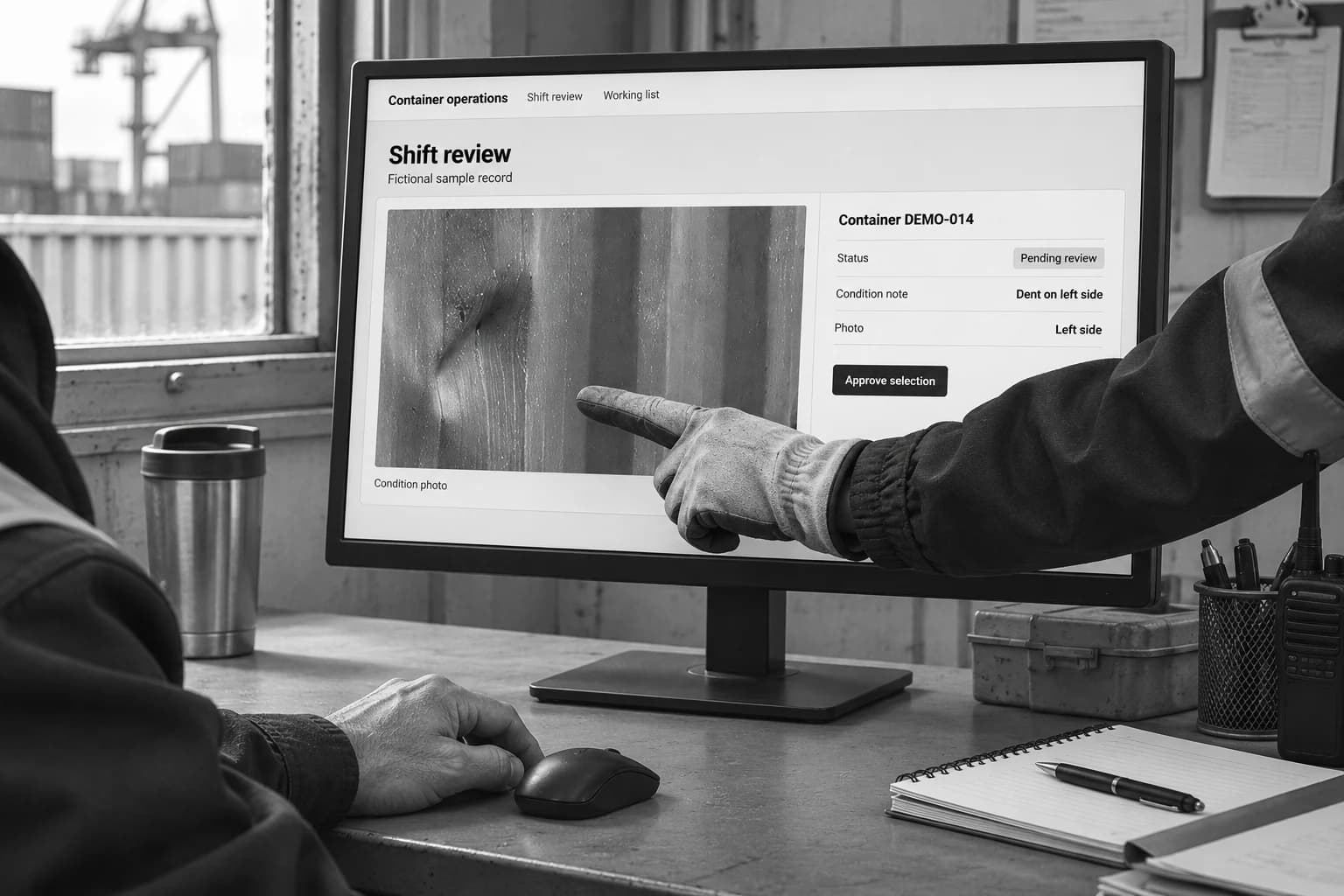
A supervisor opens the shift’s selections and checks each container’s details alongside its photos before deciding what to approve.
Update the working list
The approved container records enter the working list, where the office can see which containers are ready for the next step.
What B41 built and kept
B41 extended the operator’s existing order and inspection software and added the shift review workflow to a shared workspace. We also brought historical records and photos into the workspace so staff could refer back to earlier inspections.
Consider a shift that includes a container with a dent. The crew member attaches a close-up to that container’s record. In the office, the supervisor can open the photo from the shift’s selections and decide whether that record belongs on the working list.
The system can help read certain identifiers from photos. Staff can check the suggested value against the image and correct it before using it. The supervisor still makes the decision about which containers to approve.
Authorised office staff can also manage stock, work with orders and produce reports in the same workspace. When an order report is needed, staff can prepare it from the information already recorded in the system.
By keeping the crew’s entry, the photos and the supervisor’s decision together, the workspace gives office staff a record they can check when a question comes up after the shift.
Start with one handoff
Bring one handoff that is hard to follow and tell us which tools your team uses today. We’ll map who records the information, who reviews it and what the next person needs. Together we can decide which tools and records to keep and what the first working version should prove.